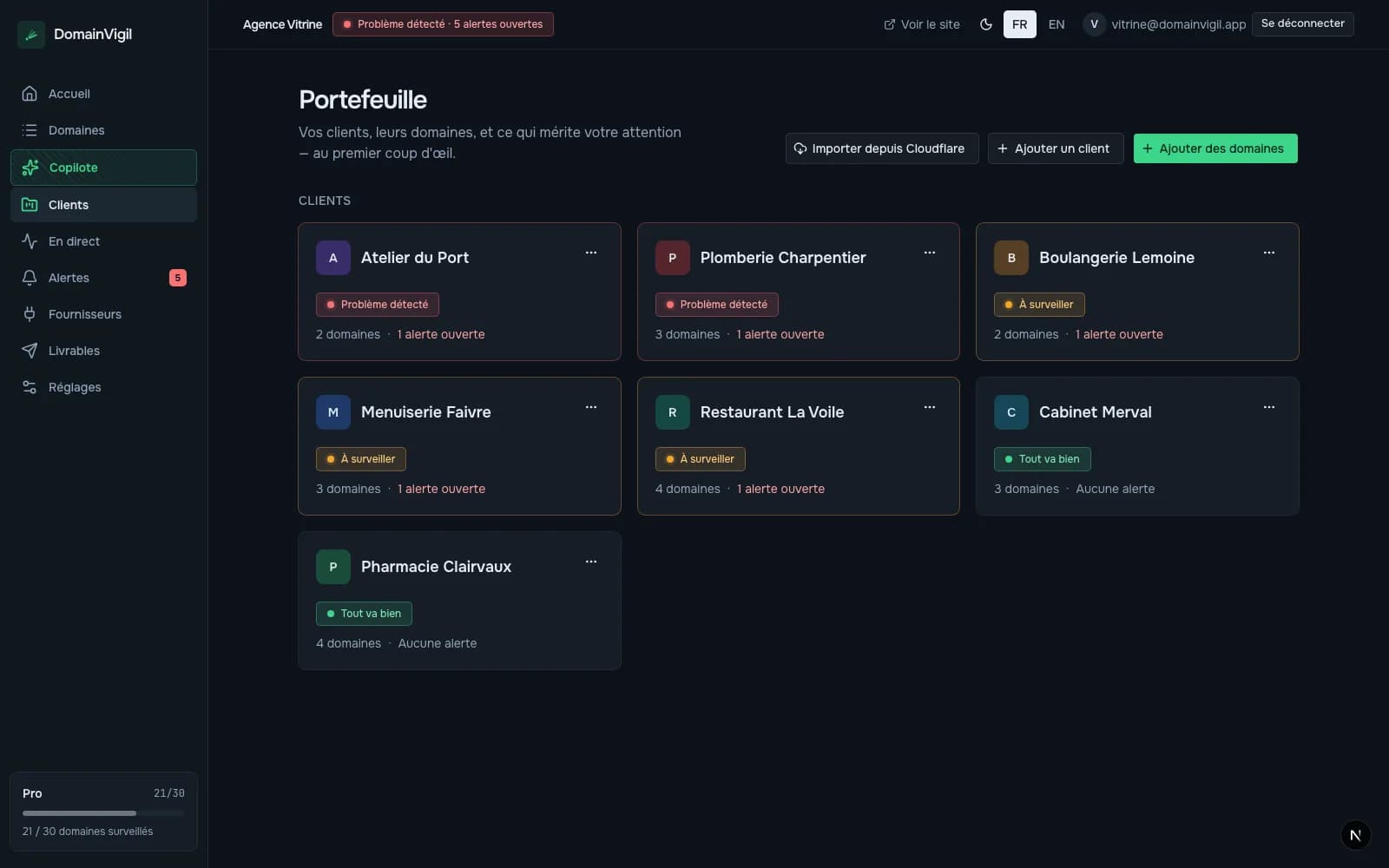
The real dashboard
No screenshot, no video, no mockup: the application itself, the one that opens once you're logged in.
Demo
One click and you're in the dashboard, with a sample portfolio already under watch. Nothing to install, nothing to fill in, nothing to cancel afterwards.
No account, no email address, no credit card.
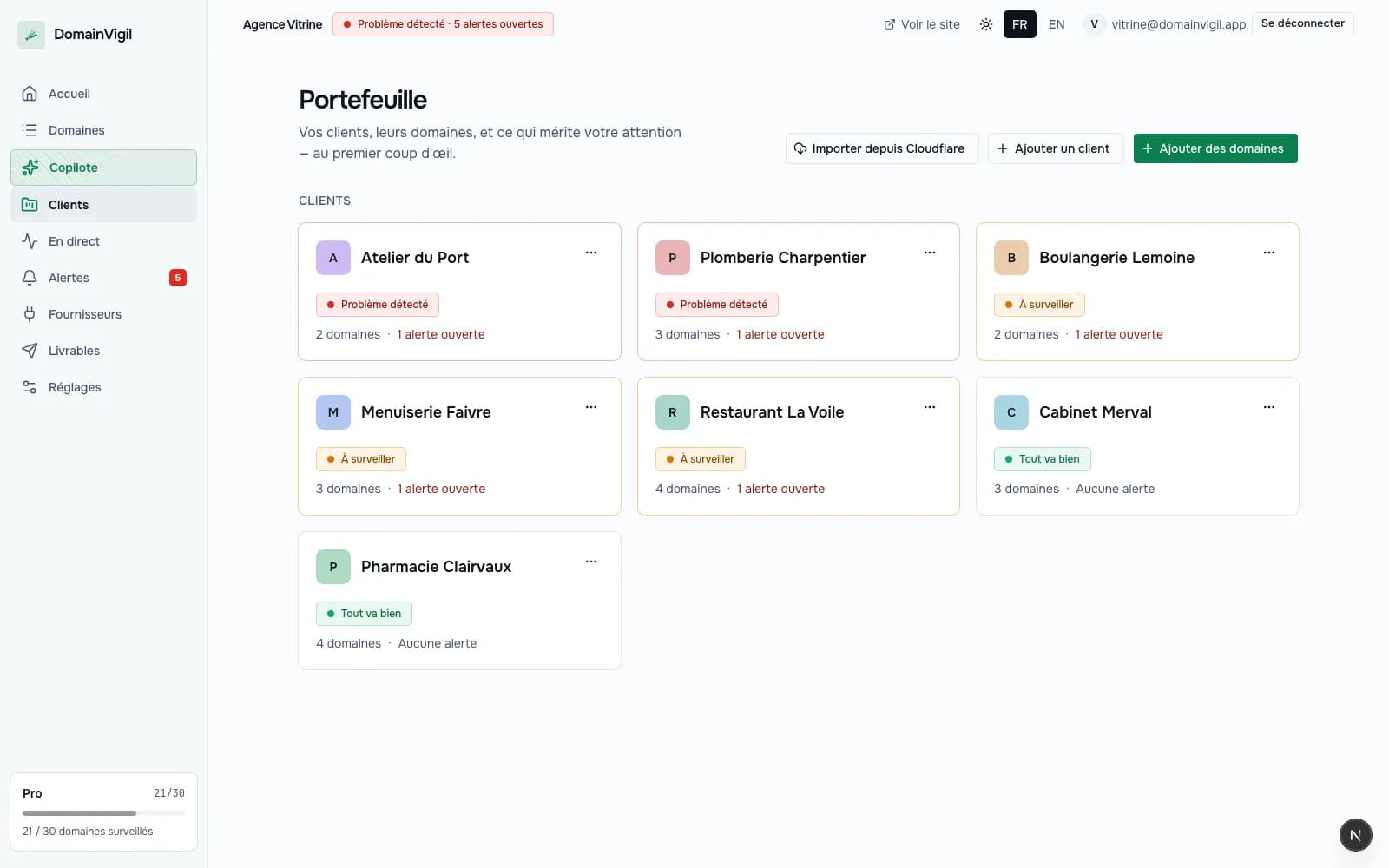
What you'll see
Screenshots prove a dashboard exists. They don't tell you what it feels like to open it.
No screenshot, no video, no mockup: the application itself, the one that opens once you're logged in.
Demo domains already under watch, so that every screen has something to show.
Expiry, SSL certificate, DNS, uptime, email reputation, site security: what DomainVigil looks at, domain by domain.
What it doesn't do
It's a read‑only demonstration account. You open the screens, you change nothing, and there is nothing to damage.
And then
The demo shows a portfolio that isn't yours. To watch your own you'll need an account — and it's free.